


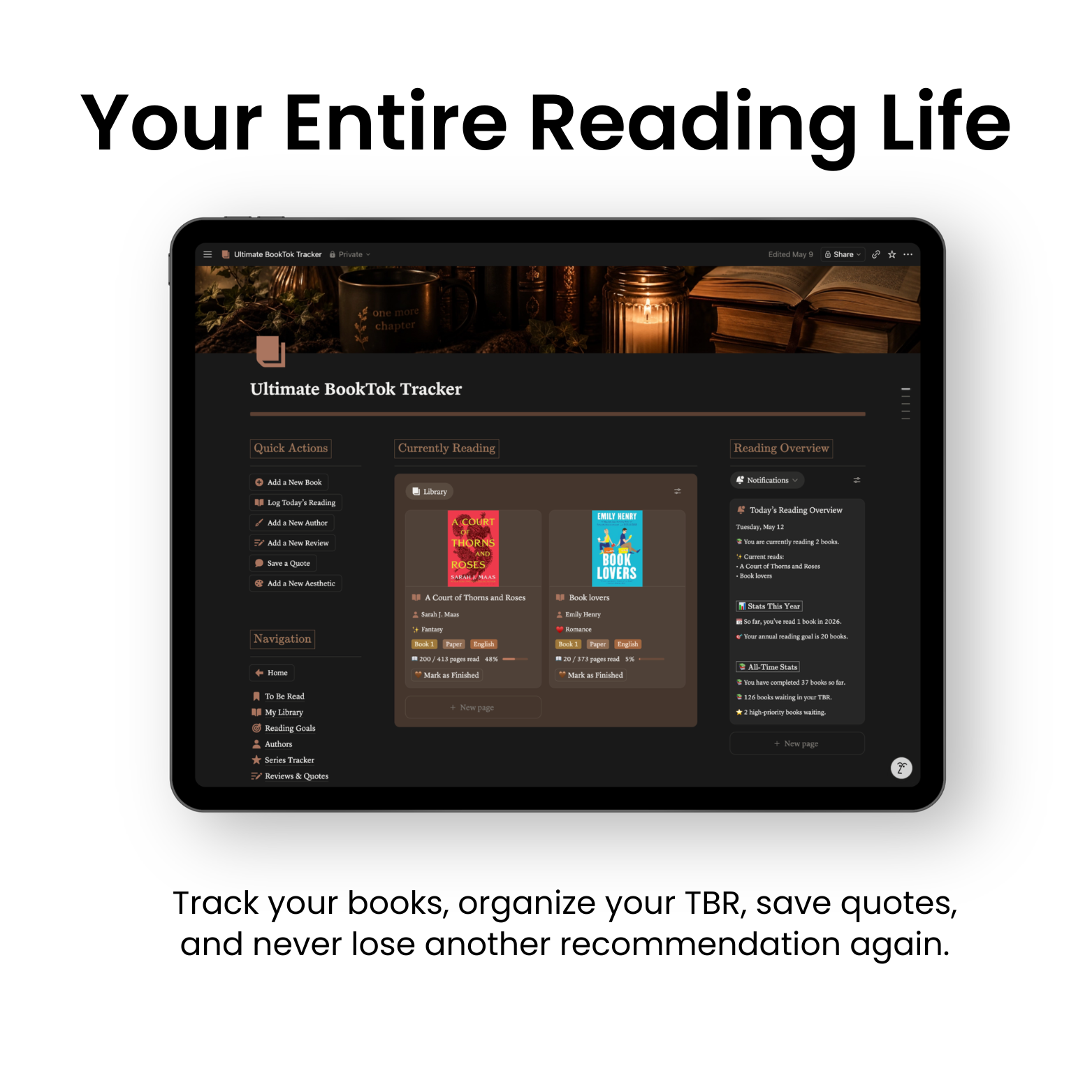
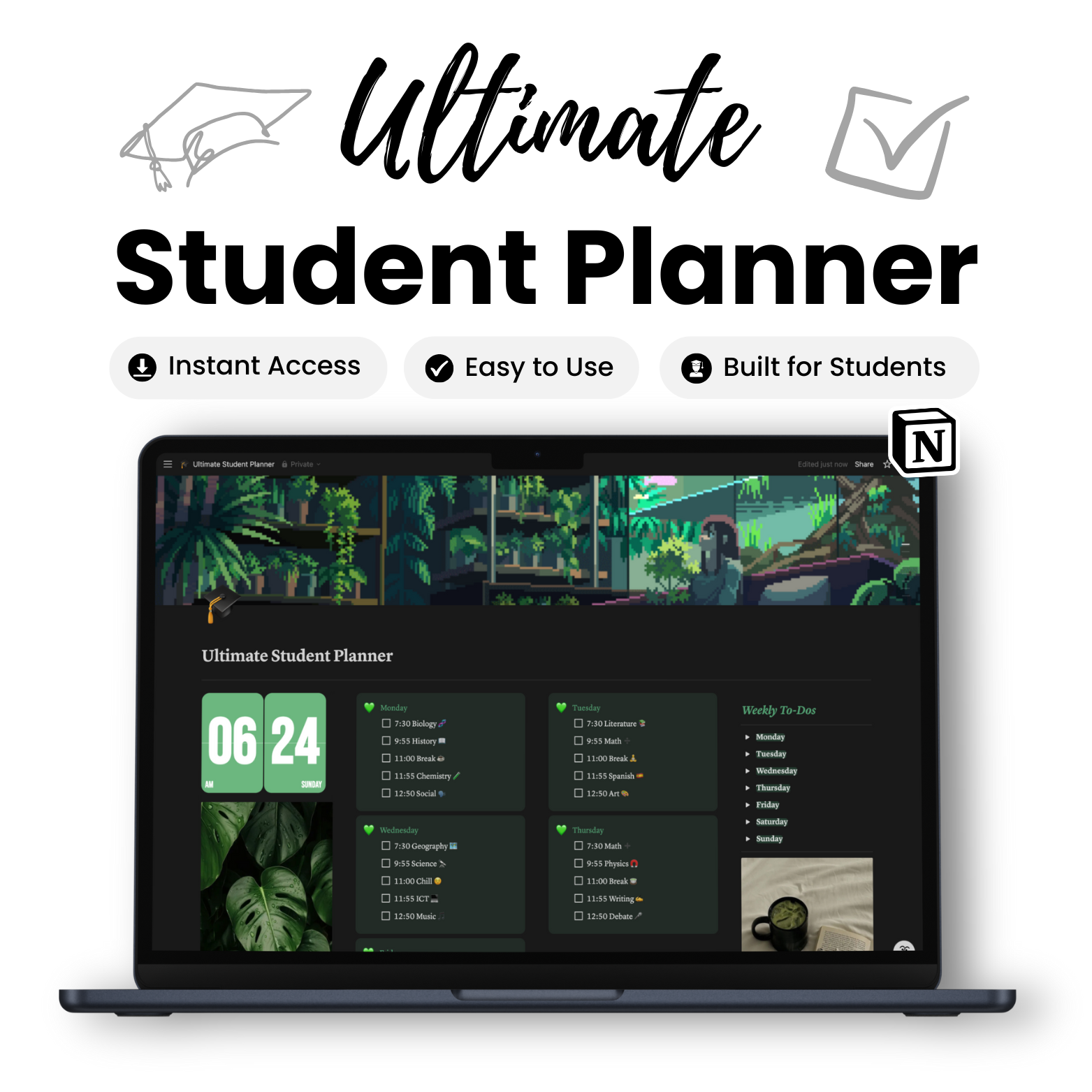
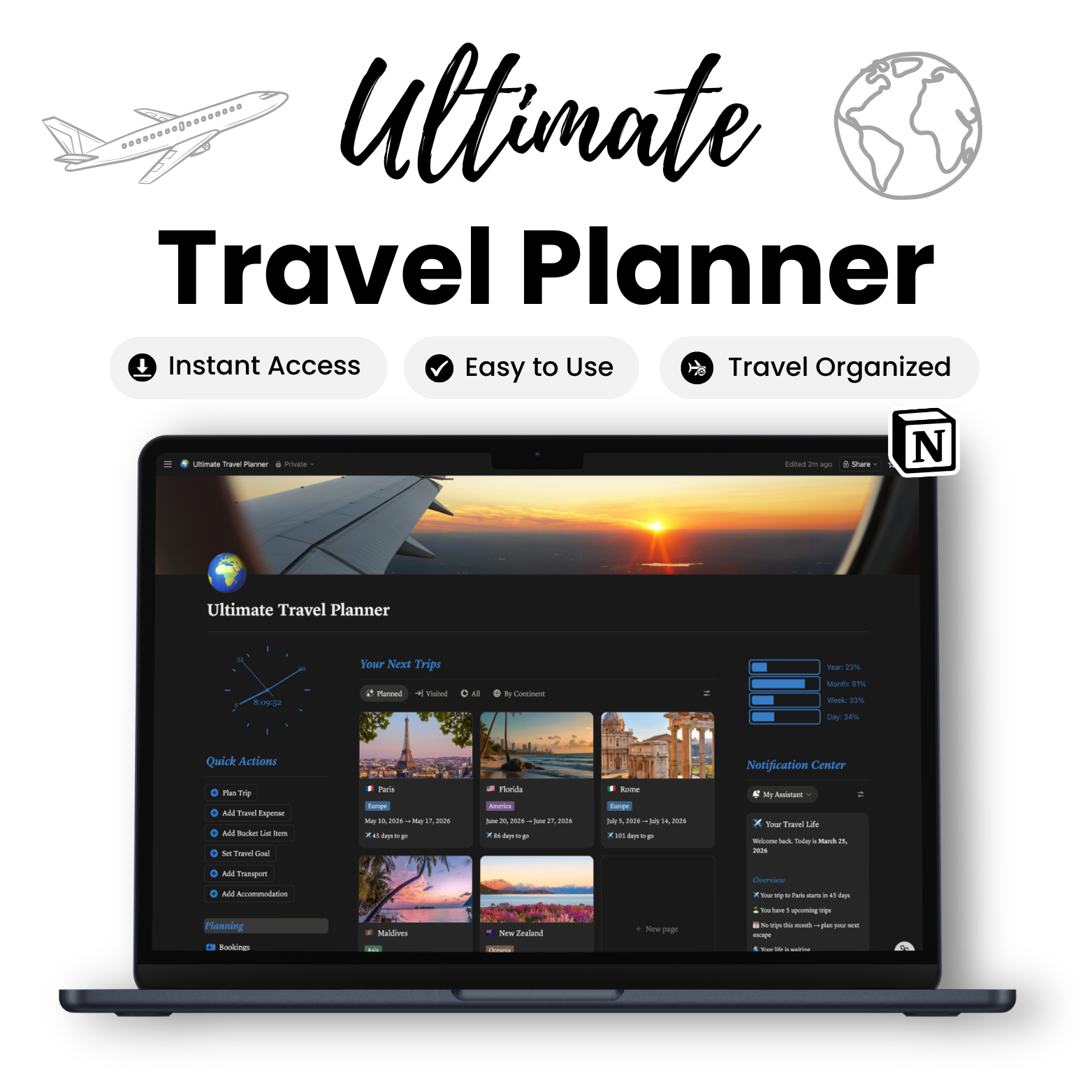
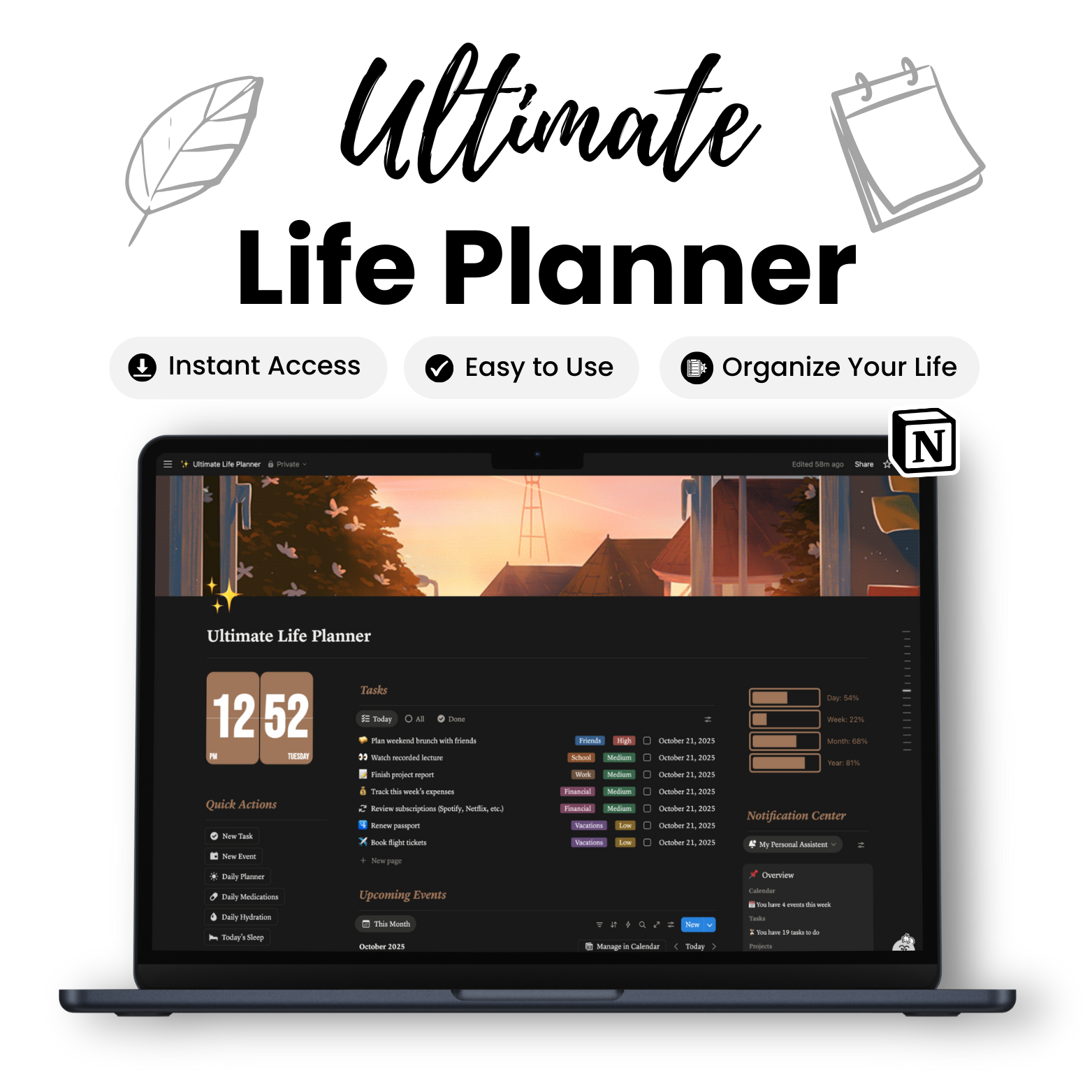
Find The System That Works For You
Choose your system and start taking control today.





What Customers Are Saying About Us
Trusted by 15,000+ users.


Frequently Asked Questions
Notion is an all-in-one workspace where you can organize your notes, tasks, projects, and more. It’s a powerful software tool that helps you stay productive and manage everything in one place.
A Notion template is a pre-made system you can copy and use. It helps you save time with ready-to-use setups for organizing tasks, tracking goals, and more.
Buying a Notion template can save you a lot of time and effort. It means you don't have to create intricate databases and dashboards from the beginning. Plus, it simplifies your work and gives you access to professionally designed setups that boost your organization and productivity. This way, you have more time to concentrate on tasks that matter most.
Absolutely, you can use our Notion templates with a free account.
Here's how to use our Notion templates:
- Open the Notion template you want to duplicate by clicking the link you received.
- Click the "Duplicate" button in the top right corner.
- Give the duplicated page a new name.
- Customize the page to suit your needs – add or remove sections, change colors and fonts, and add your own content.
That's it! You now have the template forever!
If you're not logged in or don't have a Notion account, you'll be asked to sign in or create one. After purchase, you'll receive a template link. Open the link, click "Duplicate," and select the workspace where you want to save the template.
No monthly subscriptions, just a one-time payment for lifetime access!
No worries! Feel free to drop us a message at info@olivernotion.com if you have any questions—we're happy to help!

About Oliver Notion
Built to simplify your life and help you get more done.

Instant Access
Get instant access to our templates using Notion. If you're new to Notion, simply create an account and it should work seamlessly.

24/7 Customer Support
We're here to help with any questions about our templates. Contact us and we'll get back to you as soon as possible.

30-Day Money-Back Guarantee
If you experience any issues with the product or it doesn't work as intended, you can request a refund within 30 days in line with our refund policy.
Share and get 15% off!
Simply share this product on one of the following social networks and you will unlock 15% off!