
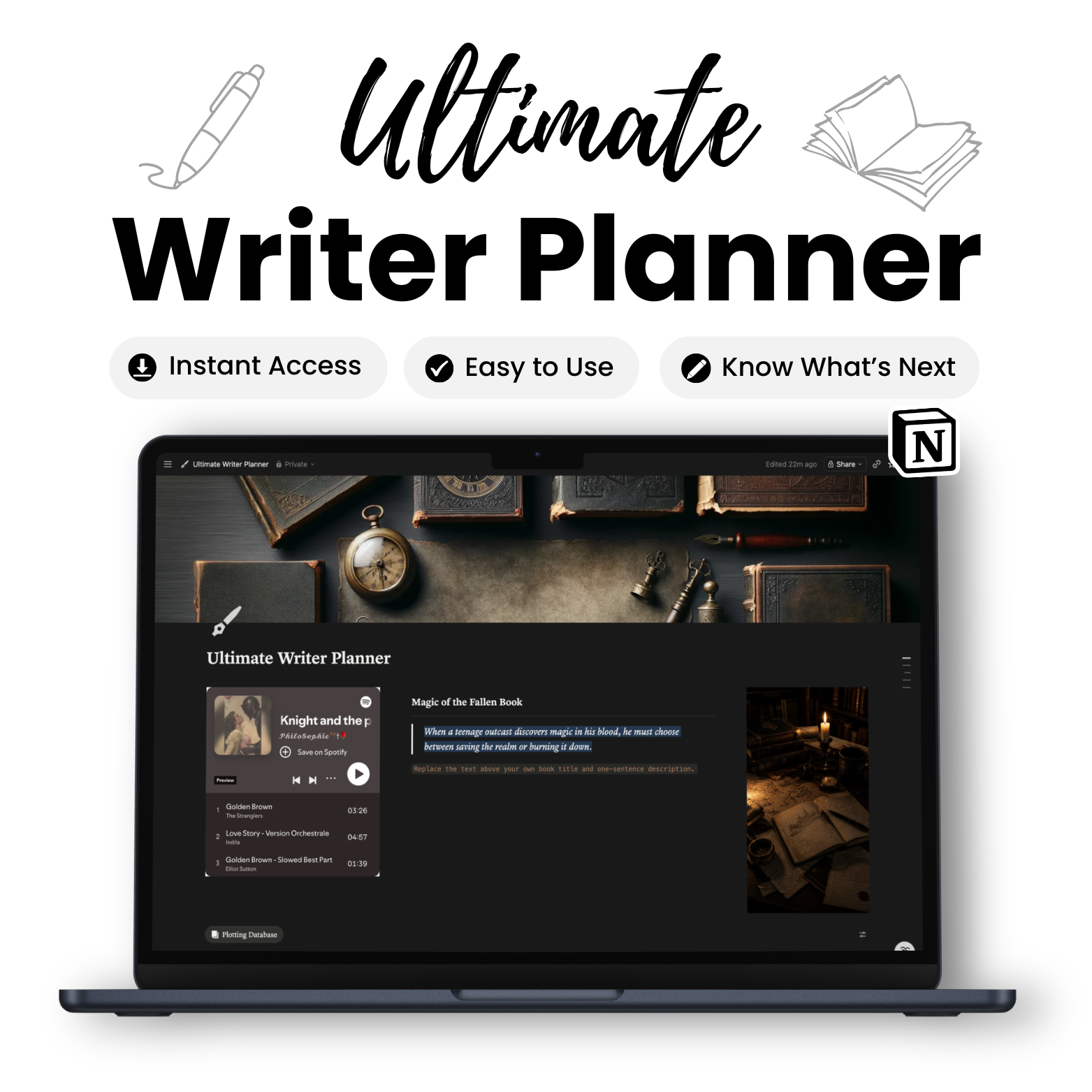
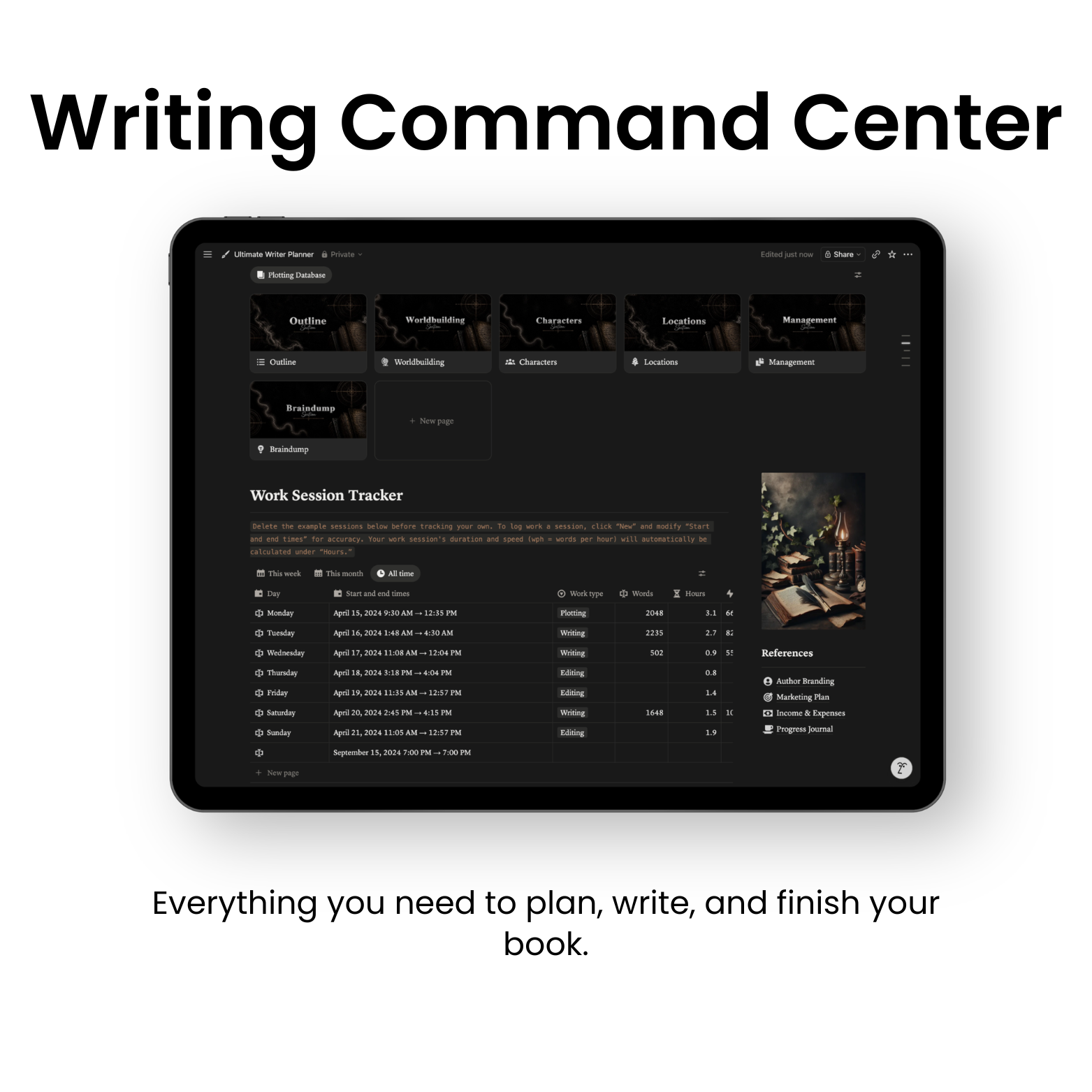
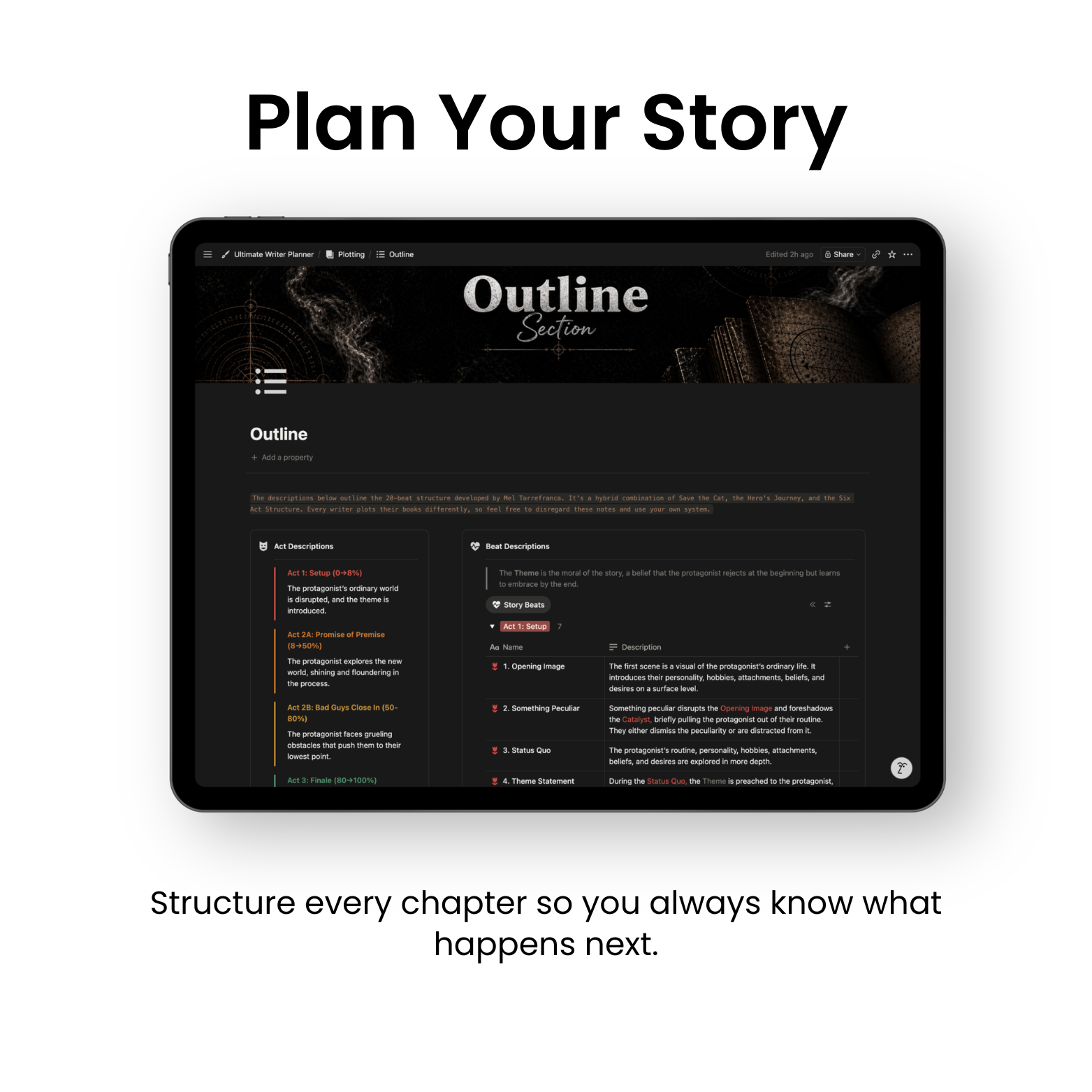
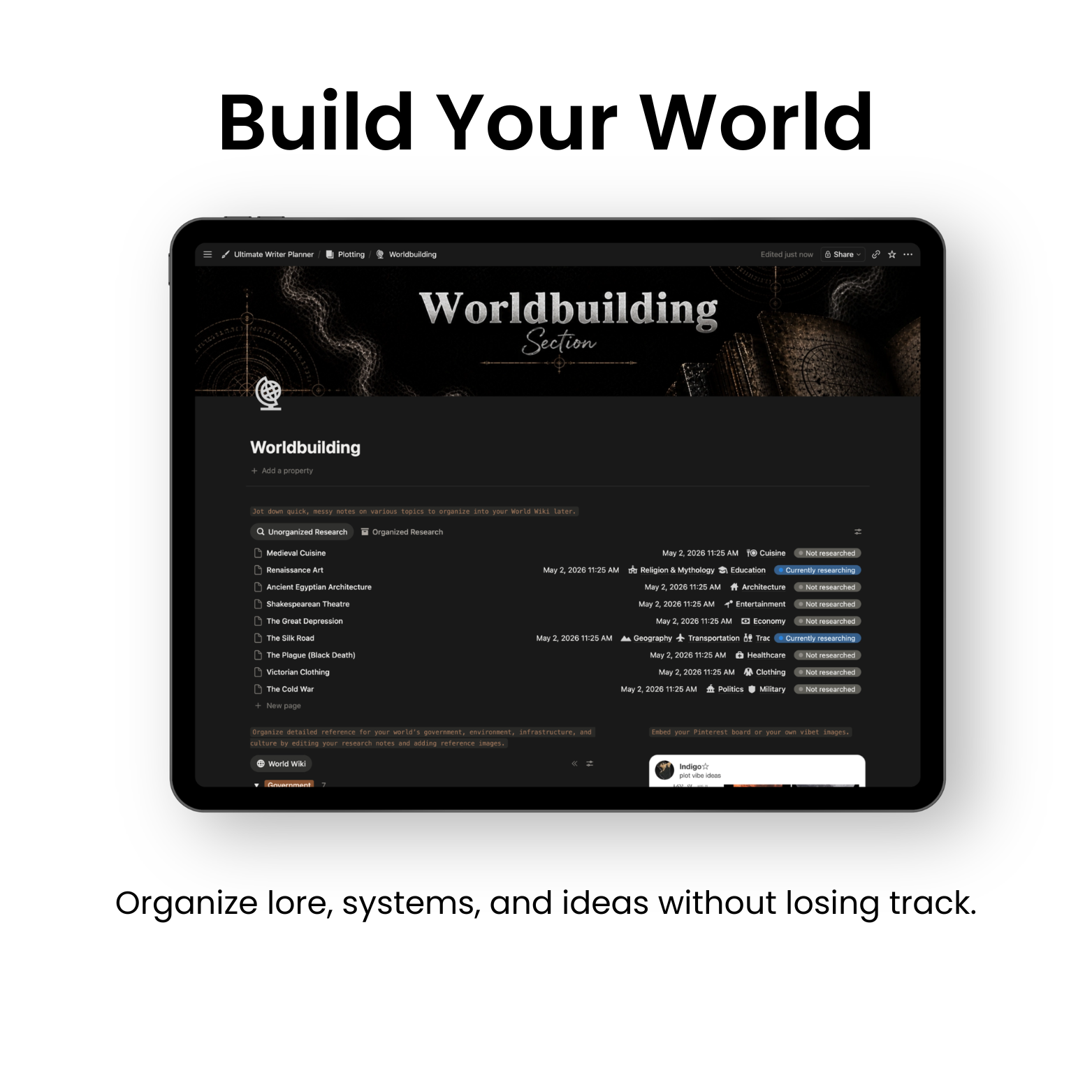
The Ultimate Writer Planner is a Notion planning system for writers and authors managing books, drafts, characters, and deadlines. It is made for novelists, aspiring authors, and BookTok writers who want one organized home for their entire writing process. Inside you get manuscript and chapter tracking, character and worldbuilding databases, plot outlining, word count goals, and a publishing tracker. It is delivered as an instant digital download with a one-click duplication link and a step-by-step setup tutorial. Works on desktop and mobile with the free Notion app.
Feel like your story is all over the place?
You sit down to write… and don’t even know where to start.
The Ultimate Writer Planner is an all-in-one Notion system that helps you plan, organize, and write your entire story in one clean workspace.
With this planner, you’ll know exactly what to write next and finally finish your story.
✅ No subscriptions
✅ No complicated tools
✅ Just one powerful system built for writers
✍️ Say goodbye to chaos and unfinished drafts and hello to clarity, structure, and finished stories.
📖 Know What To Write
Never get stuck again.
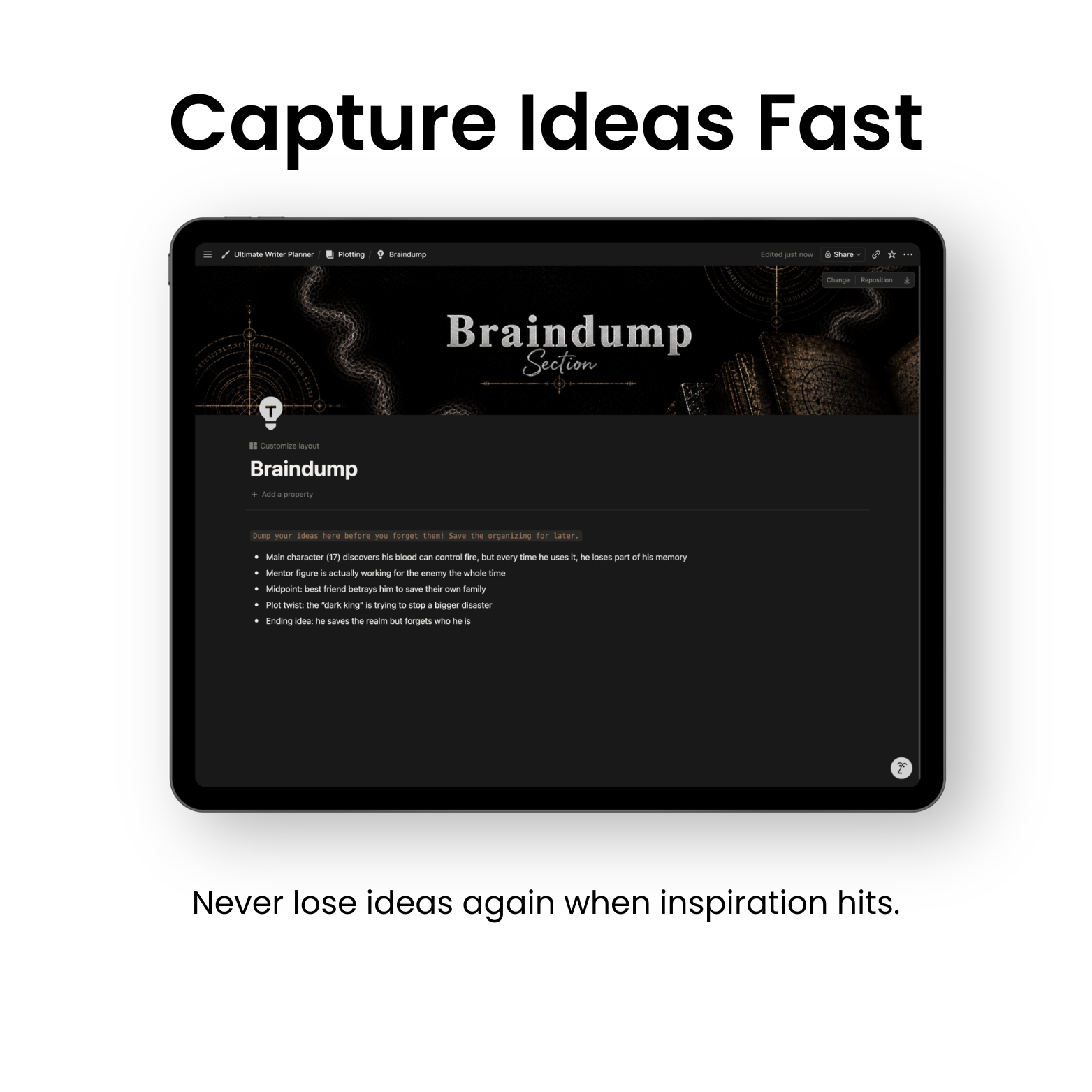
🧠 Clear Your Mind
Keep all your ideas in one place.
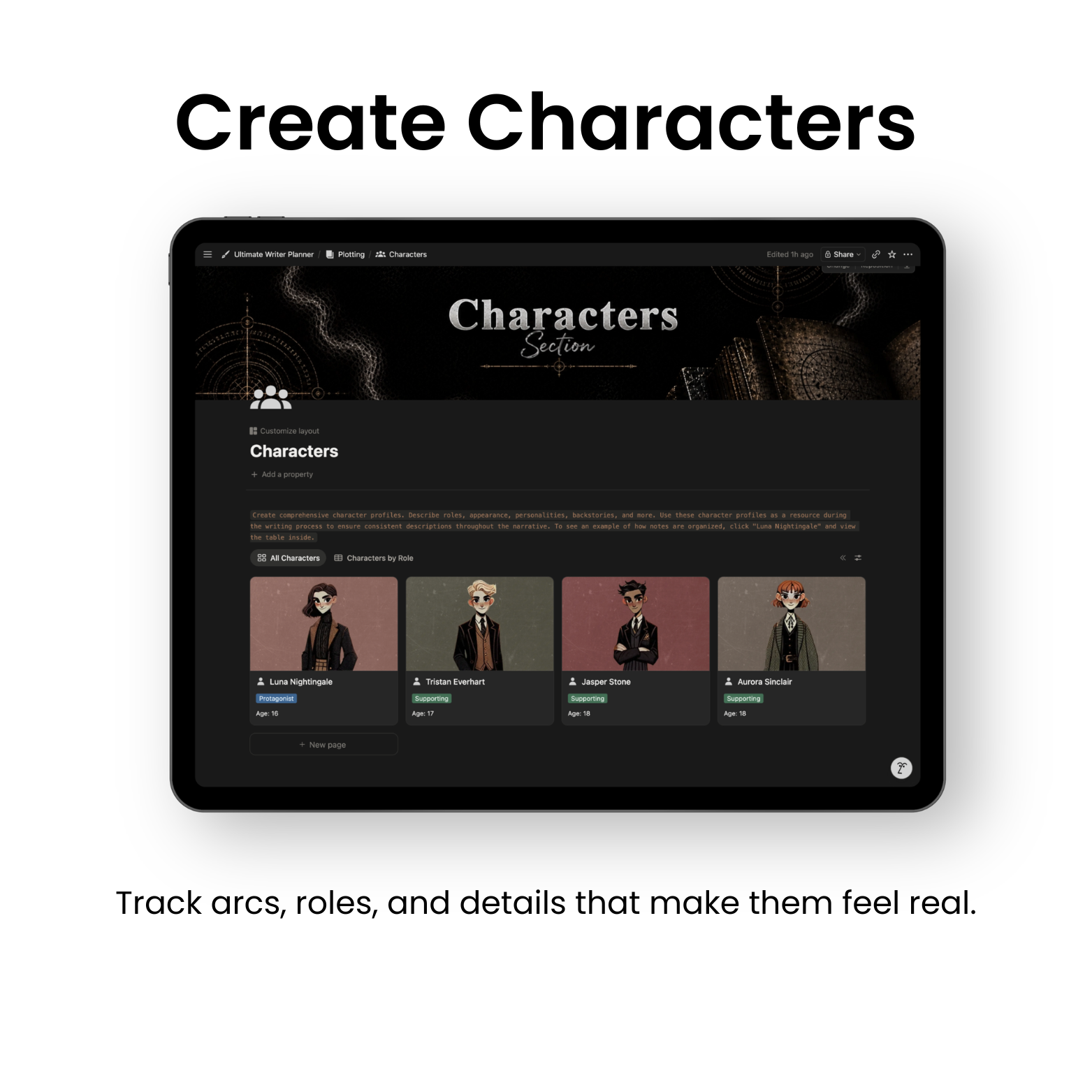
👤 Build Better Characters
Track every detail and story arc.
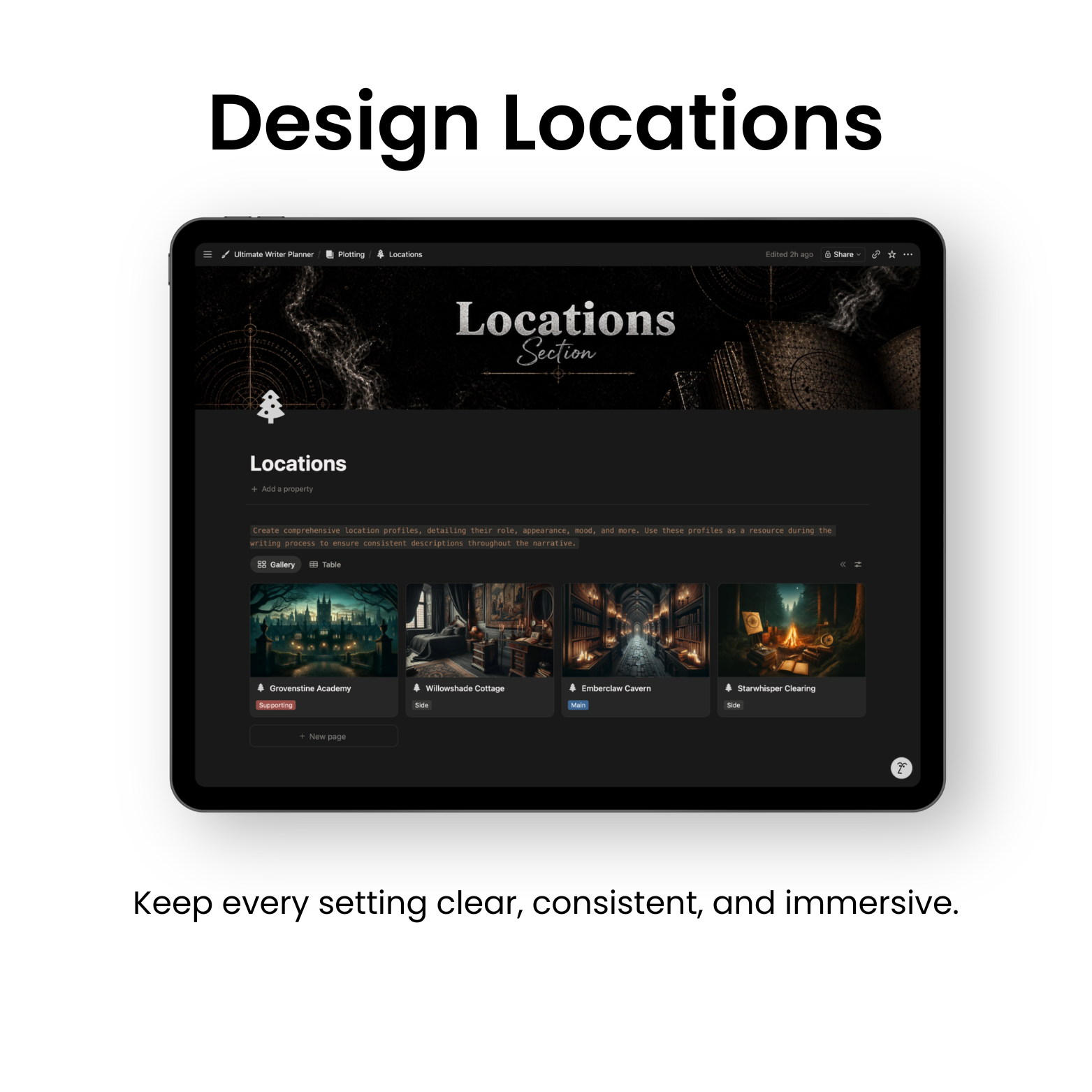
🌍 Create Your World
Keep your story consistent from start to finish.
💪 Stay Consistent
Write without relying on motivation.
🎯 Finally Finish
Turn your idea into a completed story.
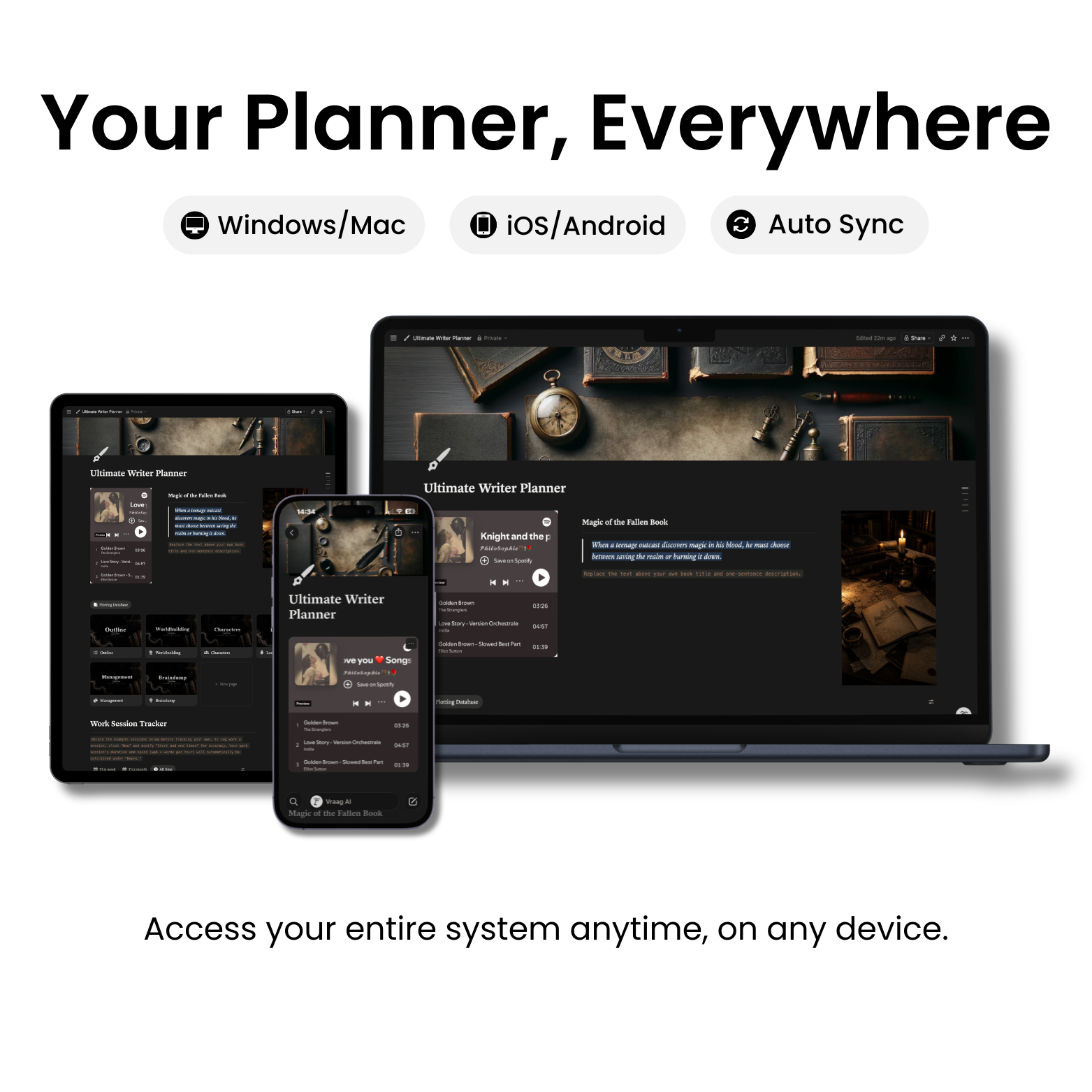
📱 Works Everywhere
Access your system on any device.
✅ Ultimate Writer Planner
Organize your story, characters, and writing so you always know what to write next.
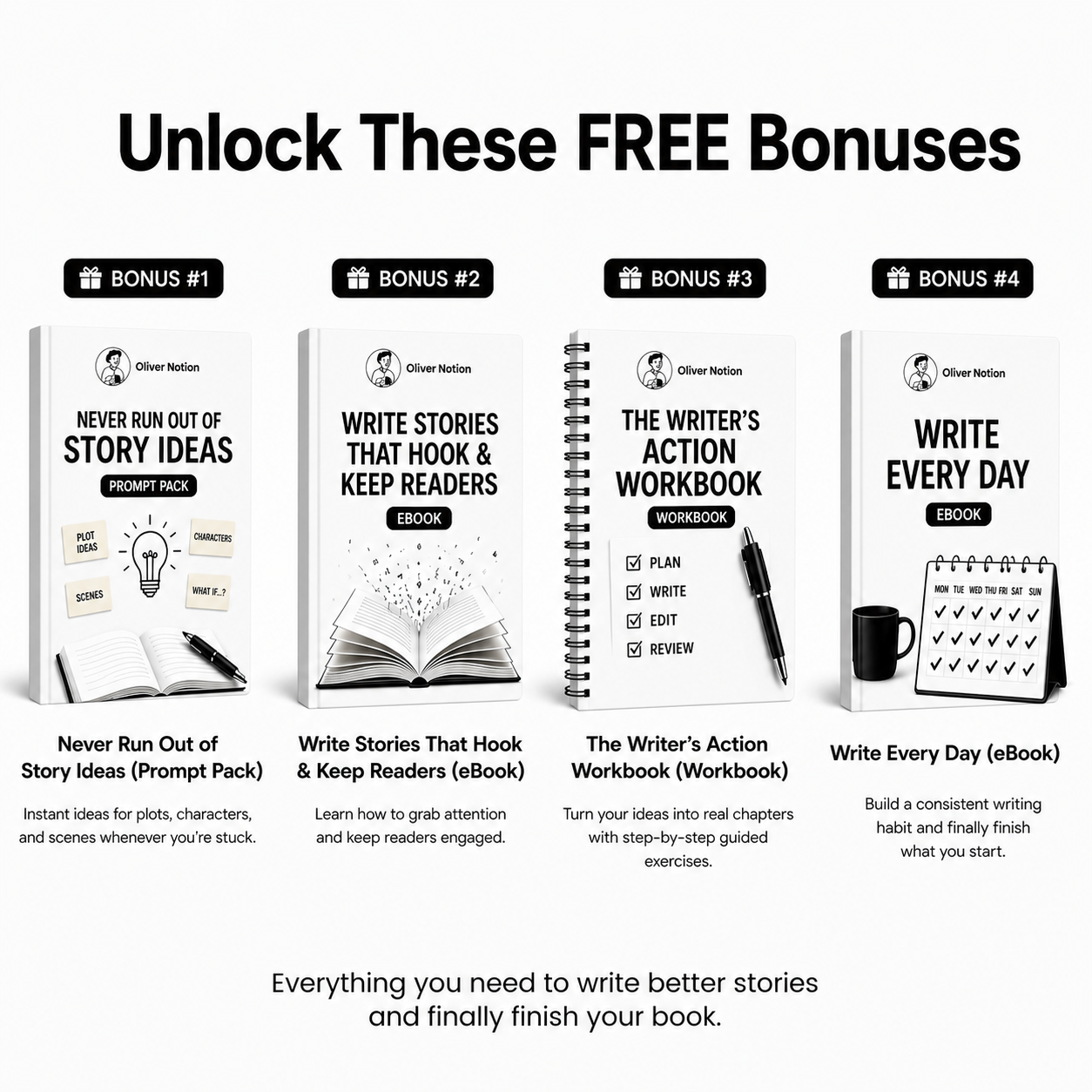
🎁 BONUS #1: Never Run Out of Story Ideas (Prompt Pack)
Instant ideas for plots, characters, and scenes whenever you're stuck.
🎁 BONUS #2: Write Stories That Hook & Keep Readers (eBook)
Learn how to grab attention and keep readers engaged.
🎁 BONUS #3: The Writer’s Action Workbook (Workbook)
Turn your ideas into real chapters with guided exercises.
🎁 BONUS #4: Write Every Day (eBook)
Build a writing habit and stay consistent.
🔄 Free Lifetime Updates
All future updates included automatically.
👤 Character Builder
Keep every detail consistent.
📋 Plot Outline
See your full story clearly.
🌍 Worldbuilding Hub
Build a connected, believable world.
📍 Locations Tracker
Organize every setting.
💡 Braindump
Never lose an idea again.
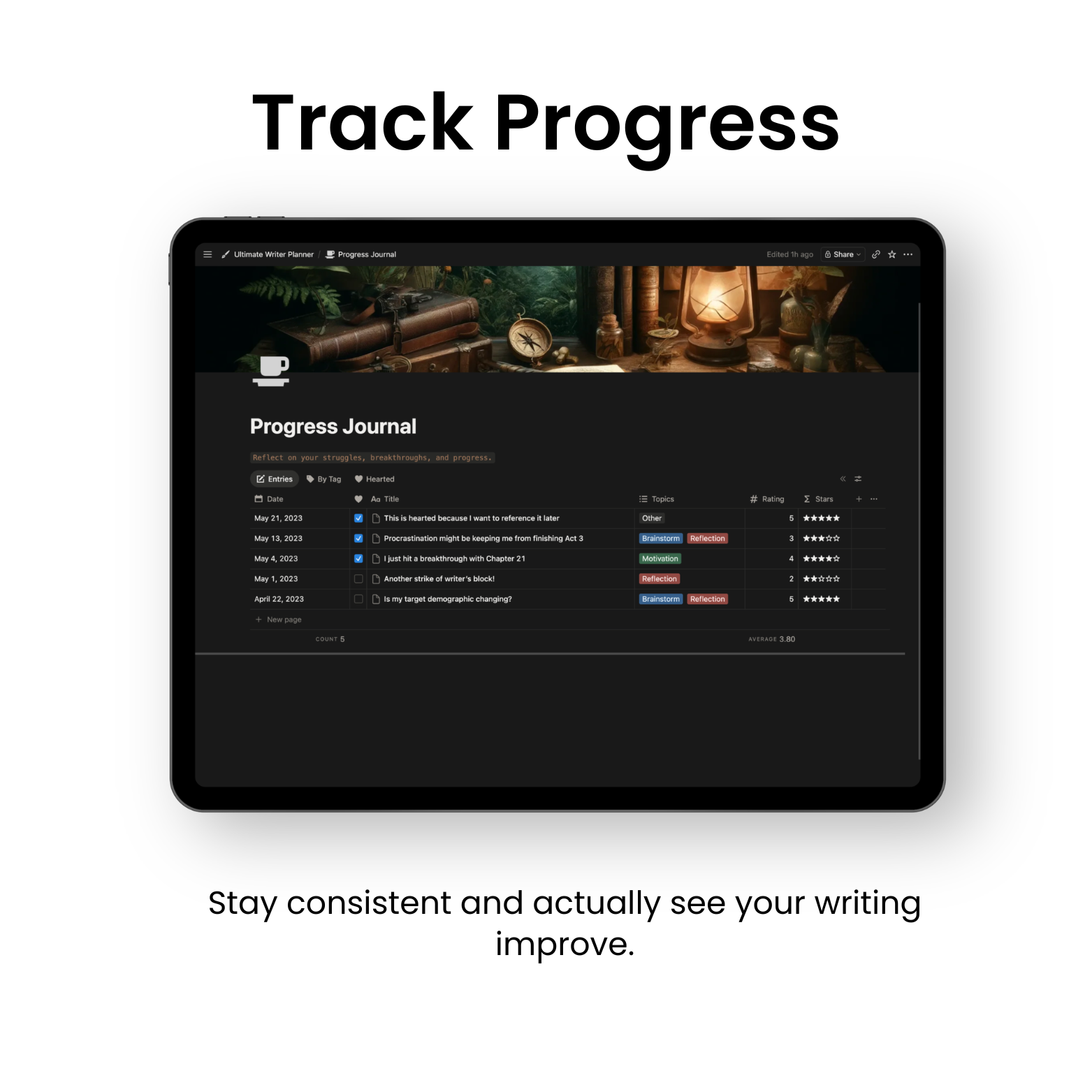
📅 Writing Planner
Stay consistent and track progress.
💭 Reflection System
Fix issues and improve faster.
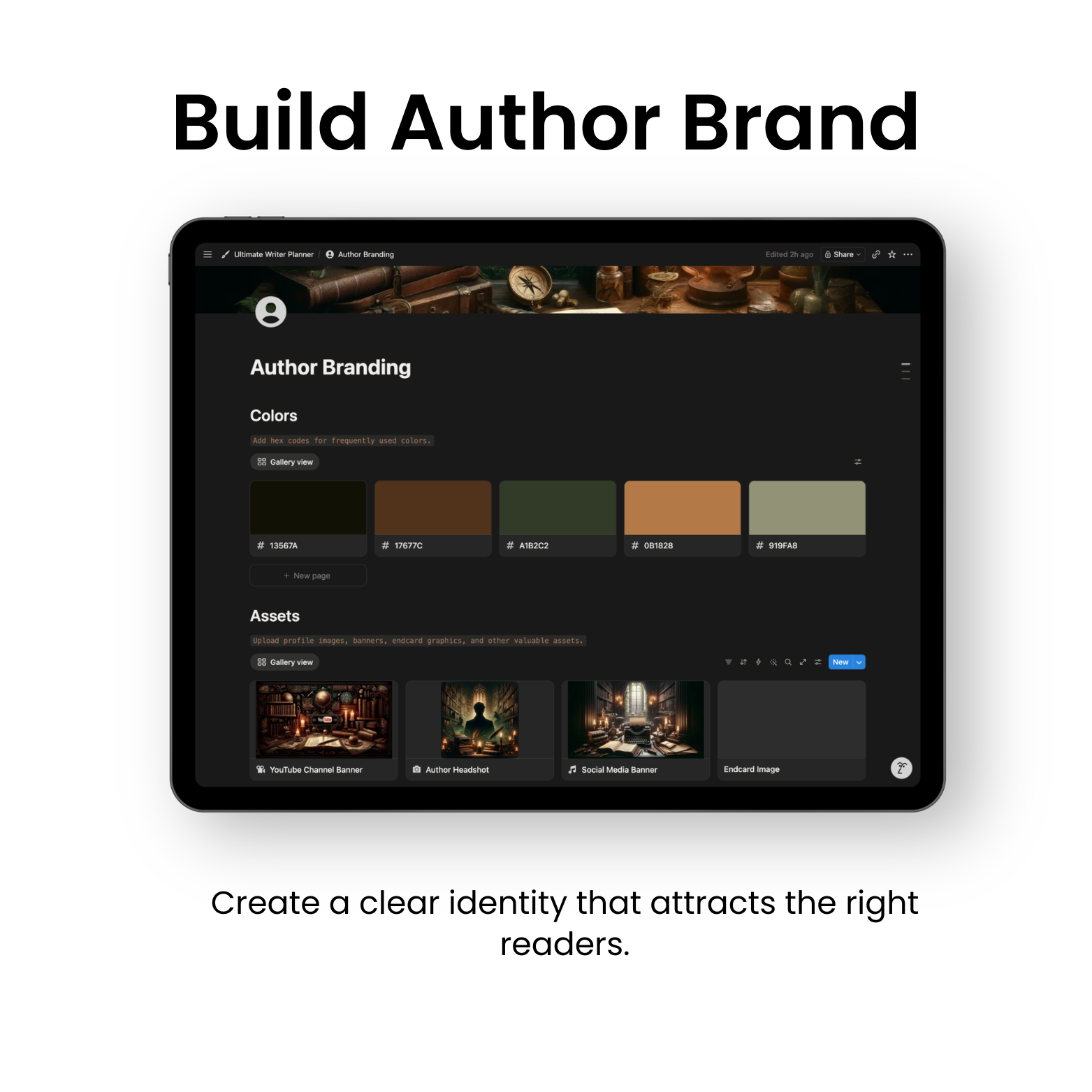
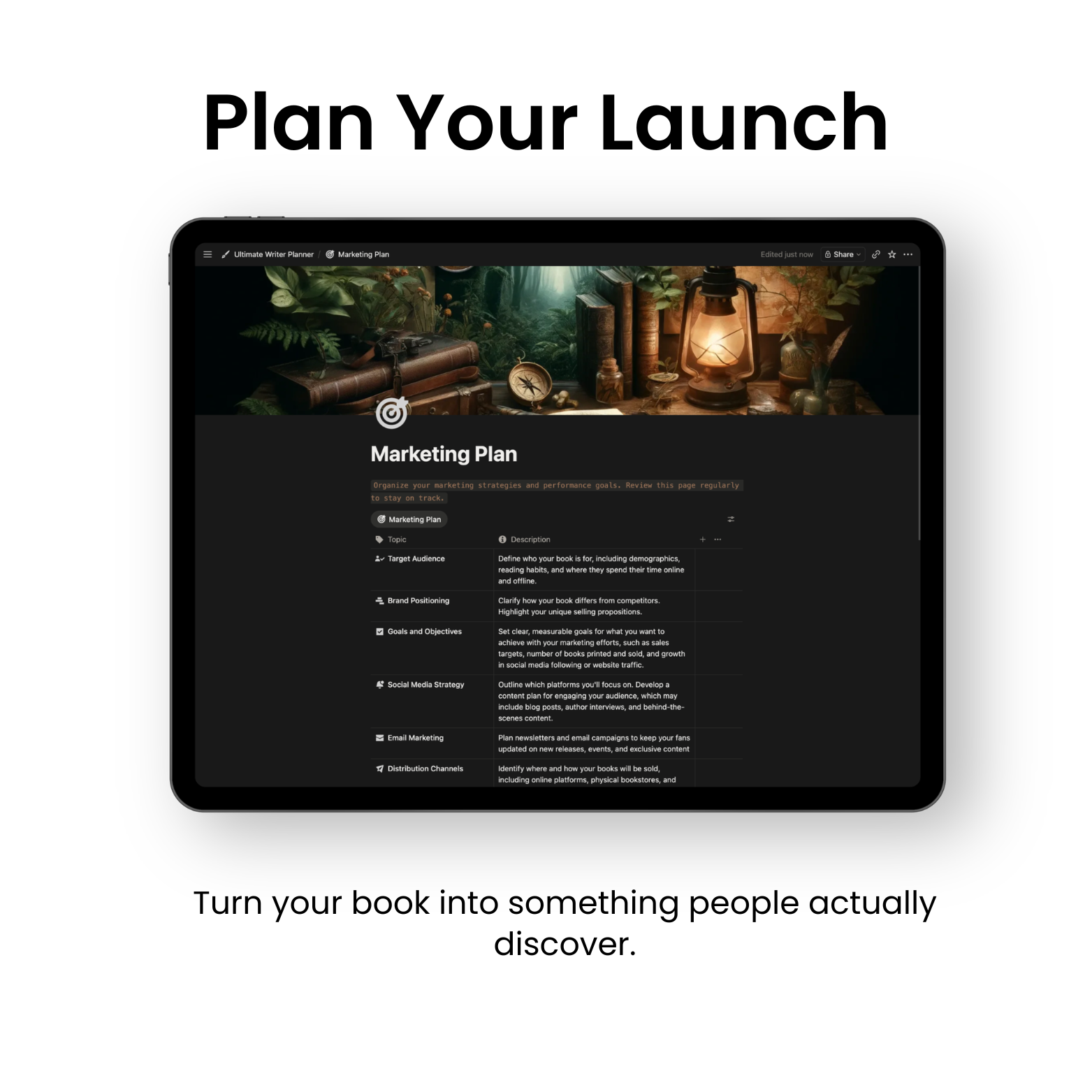
📈 Author Growth
Plan your audience and launch.
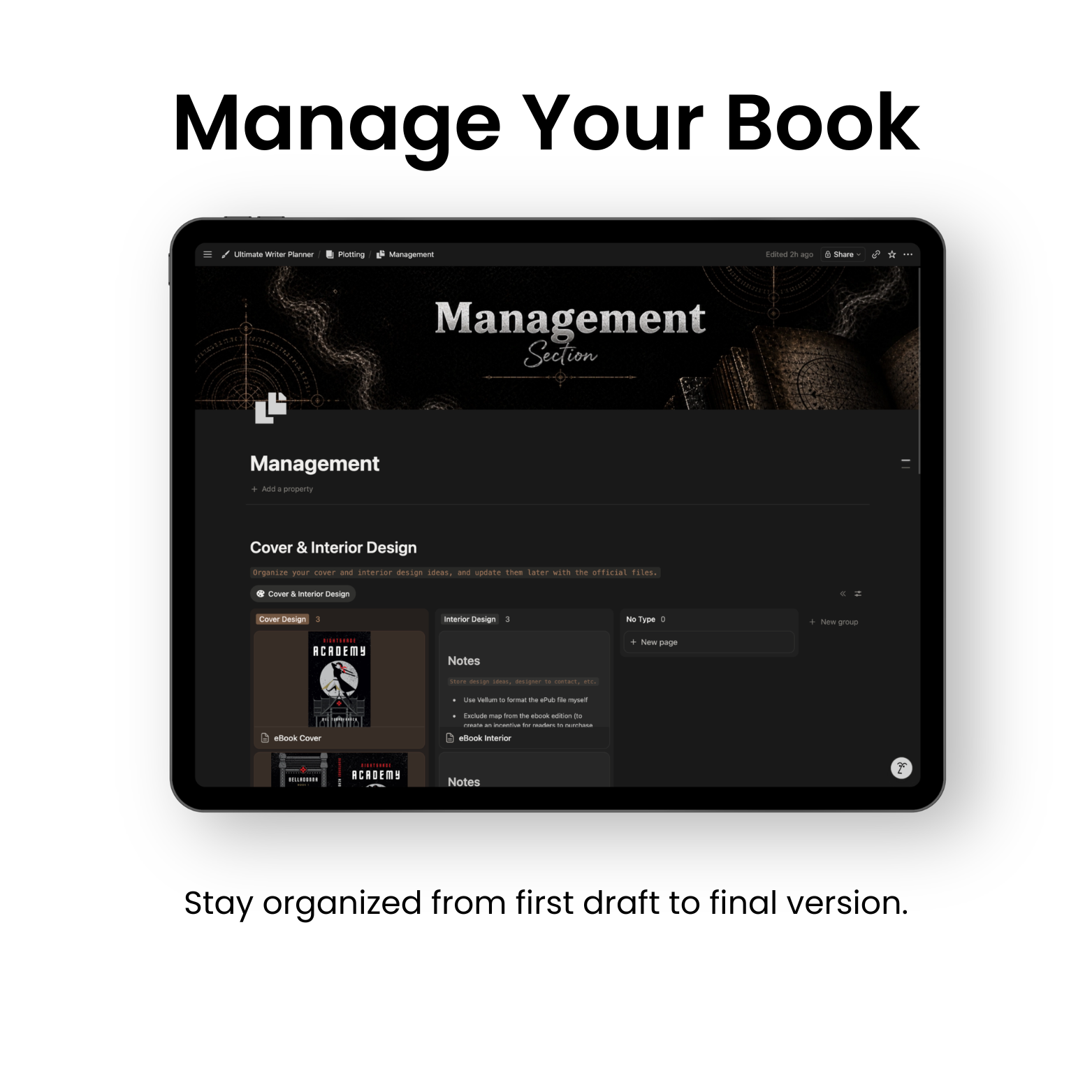
Everything you need to go from idea to finished story.
1. Purchase & Download
Get instant access right after checkout.
2. Duplicate to Notion
Add the template to your workspace in one click.
3. Start Writing
Customize it and start building your story immediately.
✅ Free Notion account
Takes seconds to set up.
✅ Internet connection
For setup and syncing.
✅ Any device
Desktop, tablet, or mobile.
🚀 Ready to finally finish your book?
Click ‘Add to Cart’ and start writing today.
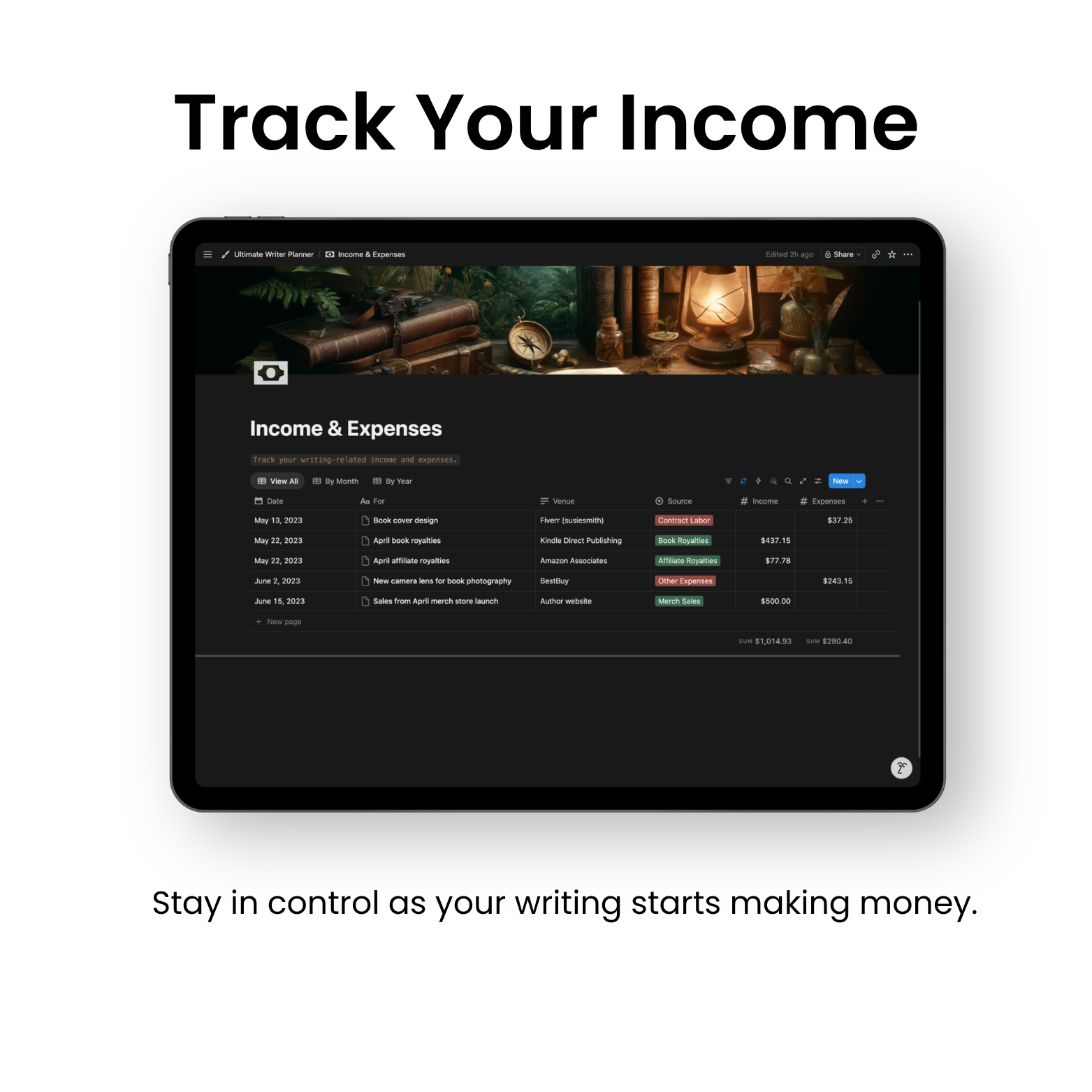
✍️ For Writers Who Want to Do It All
Write your story. Track your reads. Organize your life.

Total:
You’ve Got Questions, We’ve Got Answers
Notion is a free all-in-one workspace app where you can organize everything in one place. Notes, tasks, databases, and more. Creating an account takes less than 60 seconds and you're ready to go.
A Notion template is a ready-to-use system you can duplicate into your own workspace. You don’t need to build anything yourself.
No. This is a manual Notion template you fully own and customize yourself. There's no AI writing your story, just a clean, structured system for your plot, characters, and world.
Yes. Everything works perfectly with a free Notion account.
No. It’s designed for all levels, even if you’re just starting.
Yes. It works for any genre including fantasy, romance, thriller, and more.
No. It works for novels, short stories, and series. For a series, your world, characters, and locations carry across every book, and you can duplicate the plotting section for each new book so everything stays connected.
Perfect. You can bring everything in and organize it properly.
Yes. The template is in English, but it's fully editable, so you can translate any part and write in any language you want.
This is a digital planning system inside Notion, not a book-formatting tool. You can export any page to PDF or Markdown to move your work into other apps anytime.
You get instant access right after checkout. Open the PDF you receive, click the "Notion Template" button, then press "Duplicate" to add it to your workspace. Your 4 bonuses are on the same page, under a separate "Bonuses" button.
It’s a one-time payment with lifetime access. No subscriptions or hidden fees.
Yes. It works on desktop, tablet, and mobile.
Yes. Your data stays 100% private in your own workspace.
Contact us at info@olivernotion.com. We’re happy to help.

Instant Access
Get instant access to our templates using Notion. If you're new to Notion, simply create an account and it should work seamlessly.

24/7 Customer Support
We're here to help with any questions about our templates. Contact us and we’ll get back to you as soon as possible.

30-Day Money-Back Guarantee
If you experience any issues with the product or it doesn’t work as intended, you can request a refund within 30 days in line with our refund policy.
Share and get 15% off!
Simply share this product on one of the following social networks and you will unlock 15% off!